Quick answer
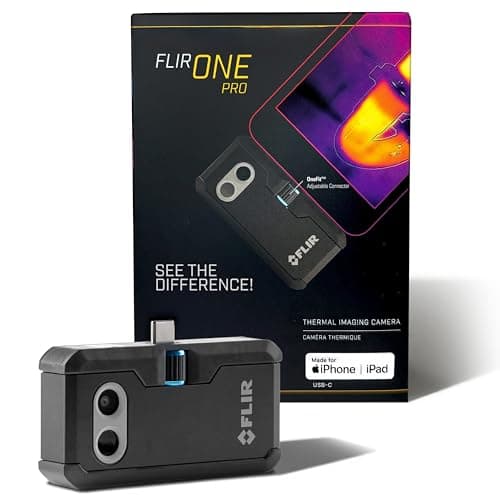
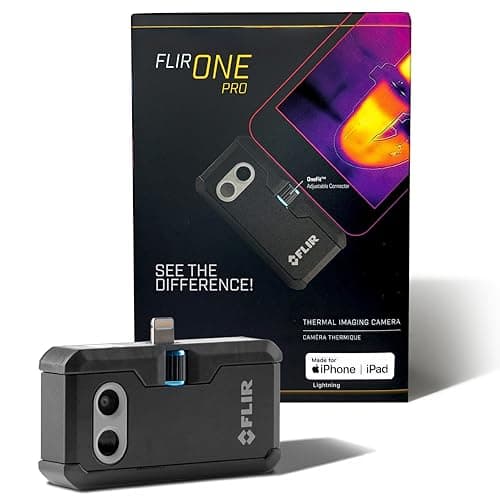
A FLIR ONE shows temperature difference, not water, and the one to buy depends on your phone's port: for an iPhone 14 or older, the FLIR ONE Pro for iOS with the Lightning connector, rated 4.5 stars across 2,340 Amazon ratings, which has a 160 x 120 native thermal sensor upscaled to 480 x 360 with MSX edge detail, per the listing. An iPhone 15 or newer takes the USB-C version of the same camera, and the FLIR ONE Edge Pro connects to any iOS or Android phone over Bluetooth. A wet wall reads cooler because evaporation cools it, so confirm each cold patch with a moisture meter before anything is opened.
Buyer's Guide
What to know before you buy.
What a Thermal Camera Shows, and Why It Is Not a Moisture Meter
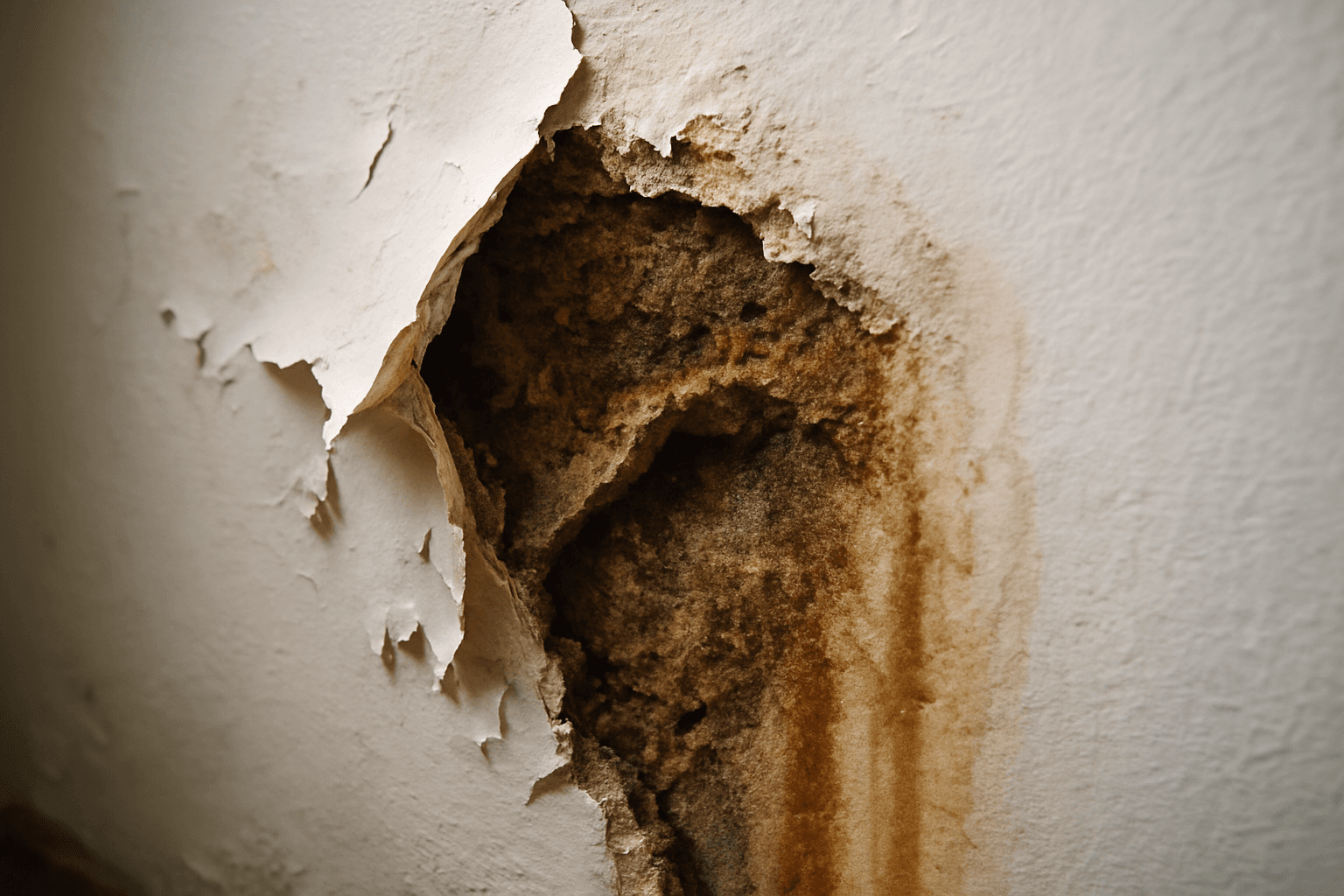
A thermal camera sees surface temperature and nothing else. Wet drywall, plaster or subfloor usually reads a little cooler than the dry material around it because water evaporating from the surface carries heat away, so a leak shows up as a cool shape: a triangle spreading down from a window, a line following a pipe run, a pool on a ceiling under a bathroom. The camera does not see water, and it does not see through anything. Cold air leaking around a window, an uninsulated stud bay, a duct in the wall or the shadow of a cabinet can all read cooler too. That is why every cool patch gets checked with a pinless moisture meter before a wall is opened. EPA's mold guide lists the back side of drywall and the inside of walls around pipes among the places mold hides, which is exactly where a camera plus a meter earn their keep.
Native Resolution vs Upscaled: 80 x 60, 160 x 120, 256 x 192
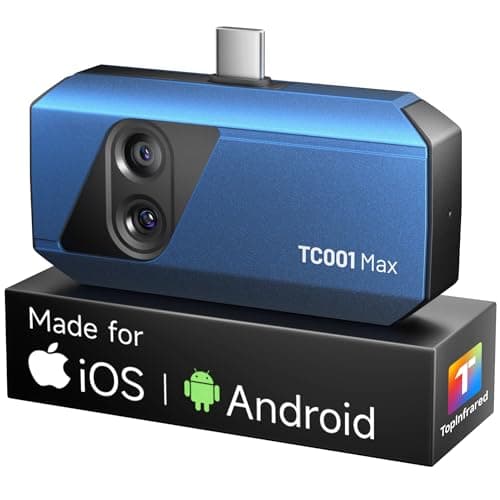
Every listing here prints two resolutions, and only the smaller one is real. The FLIR ONE Pro's sensor is 160 x 120, which is 19,200 temperature readings; Vivid IR upscales that to 480 x 360 on screen, and TOPDON's TISR does the same from 256 x 192 to 512 x 384. Upscaling smooths the picture and makes it easier to look at, but it invents no new readings. The Gen 3 FLIR ONE and the plain FLIR Edge list 80 x 60, which is 4,800 readings, and at that count a damp patch across a room is a soft blob. The second number to look for is sensitivity, written as NETD in mK: TOPDON states 40 mK, the FLIR ONE listings state none. Lower is better, and for a wall that is only a degree cooler where it is wet, sensitivity matters more than a wide temperature range you will never use.
Which FLIR ONE Fits Your Phone: Lightning, USB-C or Wireless
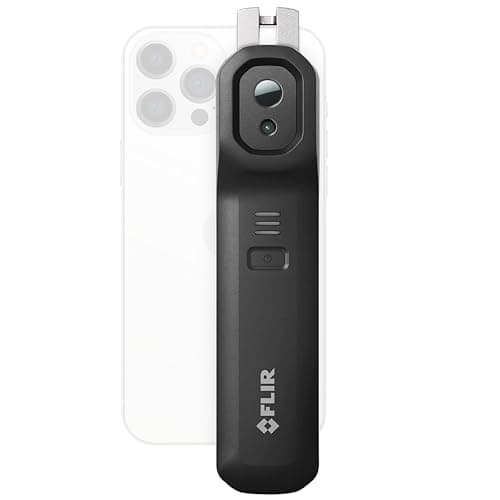
FLIR sorts its phone cameras by connector, and the listings are easy to mix up. The FLIR ONE Pro comes as a Lightning version for iPhone 14 and older, a USB-C version for iPhone 15 and newer, and a USB-C version for Android, each a separate listing with the same 160 x 120 sensor. The Gen 3 FLIR ONE, also sold by port, has the 80 x 60 sensor. The Edge Pro drops the connector and pairs over Bluetooth with any iOS or Android device, per its listing, so it is the one that survives a phone upgrade. Before you buy, look at the bottom of your phone, then check the listing's compatibility bullet rather than the title. The plug-in cameras put the phone wherever the camera needs to be; the Edge Pro lets you reach into a hatch or under a sink with the camera alone.
Phone Attachment or FLIR Handheld
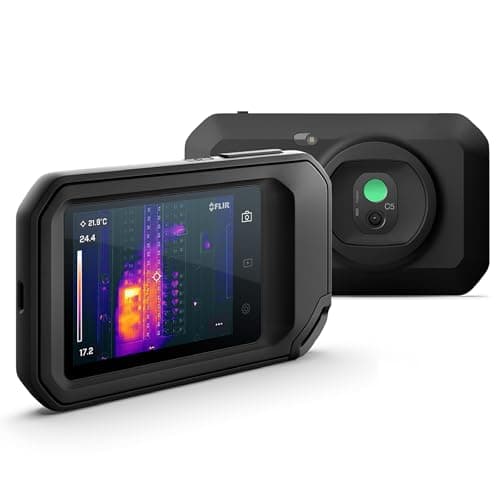
FLIR's compact handhelds in the candidate set are the C3-X, C5, C8, E5 Pro and the TG165-X and TG268 spot cameras. Per their listings, the C3-X has a 128 x 96 sensor and reads -20 to 300°C, the C5 and E5 Pro have 160 x 120 and read -20 to 400°C, the C8 has 320 x 240, and the TG165-X is a spot thermometer with a 4,800-pixel image, a laser pointer and a -25 to 300°C range. All of them carry FLIR's 2-10 warranty, two years on the camera and ten on the detector, and the C-series and E5 Pro upload to Ignite cloud for reports. A handheld makes sense when the phone is the problem: shared use, a tenant or contractor who needs to borrow it, or a report you want to send to an insurer. For a homeowner who scans a few times a year, the FLIR ONE Pro delivers the same 160 x 120 picture as the C5 on the phone already in your pocket.
How to Scan a Room for a Leak With a Phone Thermal Camera
Make a temperature difference first, because the camera can only show one. Run hot water for ten minutes to warm a supply line, run the heat or the air conditioning so the wall surfaces and the wet spots drift apart, or scan right after rain for a roof or window leak. Hold the phone square to the wall from a few feet back and sweep slowly across the ceiling below a bathroom, the base of exterior walls, around windows and along the wall behind a toilet, tub or dishwasher. Use a high-contrast palette, lock the temperature span once a suspect patch appears so the colors stop shifting, and take an MSX photo so the edges of the trim show in the image. Then put a pinless moisture meter on the center of the cool patch and on dry wall a foot away. Mark the wet edge with tape; that outline is what a contractor or an adjuster needs.
Who Should Not Buy a FLIR ONE, and When to Call a Pro
Skip the camera if the leak is already visible and you only need to know how far it spread; a moisture meter alone answers that. Skip it for a suspected slab leak, because the camera reads the floor's surface and a line a few inches down in concrete may show nothing; a plumber with leak-detection equipment is the right call. Skip it if the job is an insurance claim on a large loss, where an adjuster expects a professional moisture map; our guide on moisture mapping explains what that includes. EPA advises drying water-damaged areas within 24 to 48 hours to prevent mold and calling a professional when mold covers more than about 10 square feet. If the camera and meter show a wet area you cannot dry in that window, the referral line on this site reaches restoration companies that do the drying and the mapping. It is not a plumbing service.
Free 2-day shipping
Amazon Prime members pay no shipping on restoration equipment
Dehumidifiers, air movers, and moisture meters qualify for free Prime delivery — bulk items that otherwise cost $15–$40 to ship.
Affiliate link — HearthDry earns a bounty if you sign up; costs you nothing extra.